Use cases
Wij denken niet in modules, maar in problemen.
Niemand wordt 's ochtends wakker met de wens een ERP-module te kopen. Wel met voorraadcijfers die niet kloppen, een project dat uit de rails loopt of een boekhouding die weken achterloopt. Daarom beginnen we bij de situatie — en pas daarna bij Odoo. Hieronder staan de zes situaties die we het vaakst tegenkomen.

Herkent u dit?
Zes situaties uit de praktijk
De zinnen die klanten letterlijk uitspreken, hebben we als koppen gebruikt. Klik door naar de situatie die het dichtst bij de uwe ligt; onderaan elke pagina vindt u de eerste stap.

“Onze webshop en ons magazijn weten niets van elkaar.”
U blijft verkopen terwijl de schappen leeg zijn, en de boekhouding loopt dagen achter op de orders. Webshop, voorraad en facturatie horen in één platform.

“Pas bij de nacalculatie zien we of dit project ons geld heeft gekost.”
Uren, materialen en meerwerk staan op drie plekken. Sturen per project betekent dat u ziet waar de marge heen gaat terwijl het werk nog loopt.

“Elke BV voert zijn eigen boekhouding en niemand ziet het geheel.”
Intercompany-leveringen, verschillende btw-regimes en een consolidatie die met de hand gebeurt. Meerdere entiteiten werken prima in één centraal systeem.

“Ons team typt elke dag gegevens over uit e-mails en pdf's.”
Inkooporders, pakbonnen en facturen worden met de hand overgetypt. AI en automatisering halen dat werk uit uw dag, binnen Odoo zelf.

“Elke klant wil zijn eigen bestandsformaat en wij doen het met de hand.”
SAP, Shopify, een WMS en EDI-berichten moeten allemaal met elkaar praten. Dat gaat niet vanzelf, maar het is op te lossen.

“Onze ene waarheid staat in vier systemen en een map vol spreadsheets.”
Het werkte prima totdat u groeide. We brengen de losse pakketten en spreadsheets terug in één ERP, zonder de winkel te sluiten.
Situatie of sector?
Use case of sectorpagina — waar moet u zijn?
Een use case gaat over een situatie: iets wat misgaat in uw proces, ongeacht wat u verkoopt. Een gereedschapsgroothandel en een machinebouwer kunnen precies dezelfde voorraadsituatie hebben.
Een sectorpagina gaat over een branche: de manier van werken, de regelgeving en de koppelingen die in die markt gebruikelijk zijn. Daar leest u hoe we een hele branche bedienen.
Kortom: herkent u het probleem, kies dan een use case. Herkent u vooral uw vak, kies dan de sectorpagina. Vaak leest u beide — ze verwijzen naar elkaar.
| Use case | Branchepagina | |
|---|---|---|
| Startpunt | Een situatie in uw proces | Uw sector en manier van werken |
| Uw vraag | “Hoe los ik dit op?” | “Begrijpen jullie mijn markt?” |
| Voorbeeld | Voorraad klopt niet met de webshop | Logistiek en groothandel |
| Van toepassing op | Meerdere sectoren tegelijk | Eén sector, in de diepte |
| Wat u aantreft | Oorzaak, oplossing en eerste stap | Processen, koppelingen en referenties |
Bekijk de sectorpagina's

Logistiek en groothandel
Inkoop, magazijn, verkoop en facturatie in één keten. Denk aan batch- en serienummers, cross-docking en klanten die hun eigen berichtformaat opleggen.
Naar logistiek en groothandel
Productie
Stuklijsten, werkorders en capaciteit. Als u op order produceert, wilt u weten wat een batch werkelijk heeft gekost — niet pas aan het einde van het kwartaal.
Naar productie
Retail en e-commerce
POS, webshop en magazijn op één voorraadcijfer. Verkoopt u zowel in de winkel als online, dan is de waarheid over de voorraad het hele verhaal.
Naar retail en e-commerce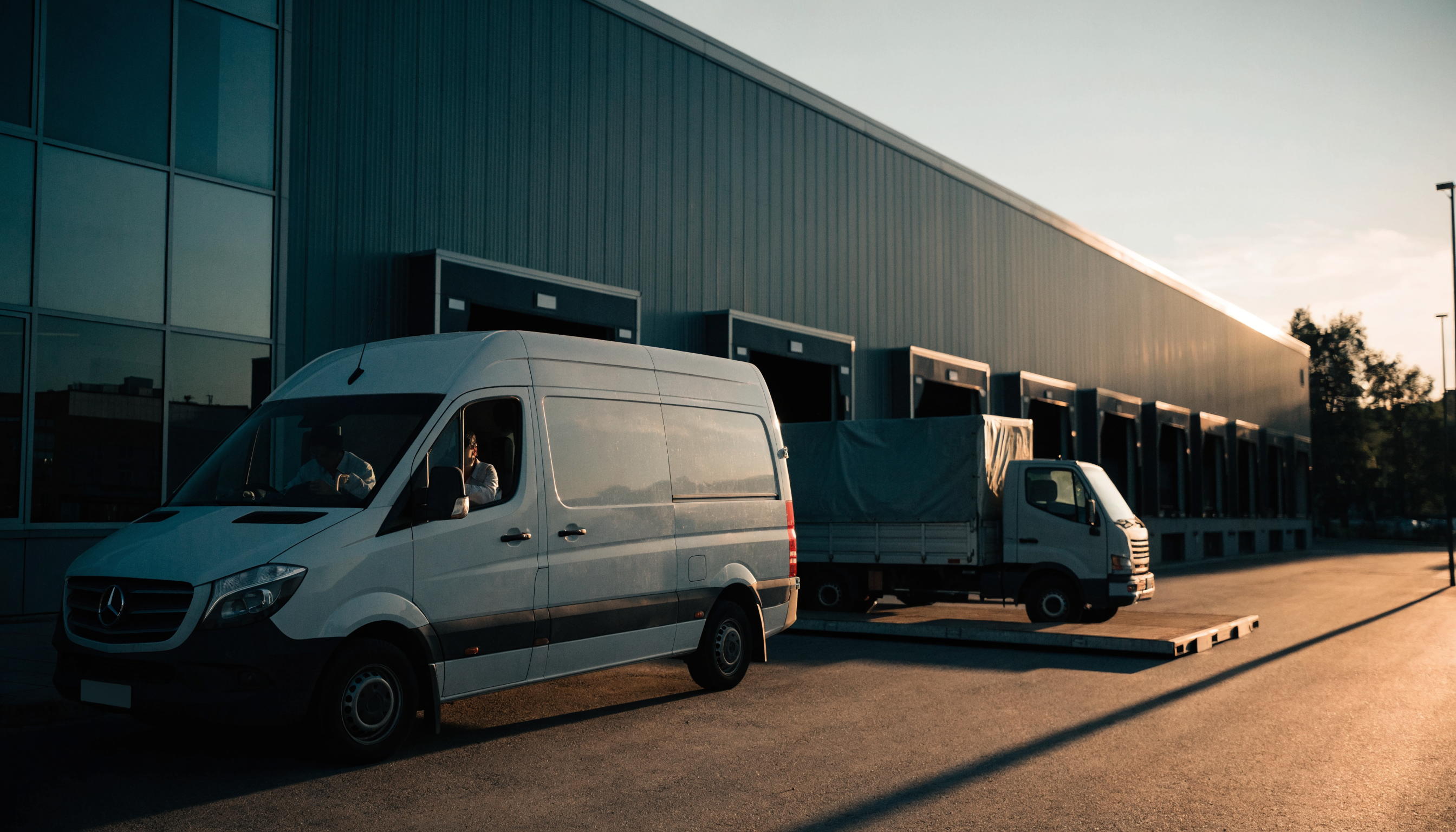
Transport en distributie
Ritten, zendingen en vervoerders. De koppeling met vervoerders en de administratie eromheen bepaalt of uw planning standhoudt.
Naar transport en distributieVan herkenning naar oplossing
Vier stappen, in deze volgorde
Herkennen
U kiest de use case waarin u zich het meest herkent. Vaak zijn het er twee of drie; dat is normaal, want problemen hangen met elkaar samen.
Scan
Met de Business Scan we brengen uw processen in kaart en u ziet welke stappen het meest opleveren. U krijgt concreet advies, geen brochure.
Ontwerp
In een werksessie leggen we het toekomstige proces vast en bepalen we welke apps u nodig hebt. Dat bepaalt ook de prijs.
Bouwen en live gaan
Wij configureren, koppelen en migreren. Hoe dat project verloopt, staat beschreven onder Odoo-implementatie; het resultaat ziet u in onze cases.

Wat u in elke use case aantreft
- De situatie zoals u die zelf zou omschrijven
- Wat er onder de oppervlakte echt misgaat
- Welke Odoo-apps de situatie oplossen
- De koppelingen die erbij horen
- Een eerste stap die u deze week kunt zetten
- Geen verzonnen cijfers of loze beloftes
Veelgestelde vragen
Vragen over onze use cases
Staat uw situatie er niet bij?
Begin met de Business Scan. U beantwoordt een paar vragen over uw processen en ontvangt concreet advies over wat Odoo voor uw organisatie kan betekenen. Liever meteen in gesprek? Dat kan ook.
Doe de Business ScanNeem contact op