Free hosted MCP server for Odoo
Let Claude, ChatGPT or Mistral work directly with your Odoo
We provide a free hosted MCP server for Odoo. You connect your own AI assistant to your own database, ask questions in plain language and have work prepared — within the limits you set yourself.
We examined forty Odoo partners in the Netherlands, Belgium, the United States and Spain. We found none that offers such a server publicly.

Free, and as far as we could find unique in the market
The MCP server costs you nothing, even if you do not take an implementation project with us. We examined forty Odoo partners in four countries and found none that offers this publicly. Our blog posts about the MCP server rank well in Google.
Read how AI lands in everyday Odoo work ·View the MCP server and pricingExample conversation
This is what it looks like when your assistant reads your Odoo
Below is an example of a conversation. The figures are made up for illustration; in your environment the answers come from your own data.
Example for illustration. No real customer data.
Use cases
What you actually do with it
Four applications customers pick up first. They work on the apps you already use; see also our approach to implementations.

Process invoices
The assistant reads the purchase invoice, looks up the matching purchase order and receipt and prepares the entry. Your team only approves the exceptions.

Prepare quotes
From customer enquiry to draft quote: the right products, that customer's pricing agreements and their previous orders included. You check and send.

Asking questions of your data
Which customers ordered less this quarter? Which orders have been open too long? You ask in plain language and get answers from your own database.

Request reports
A monthly overview, a margin analysis or a stock list without building a report first. You ask for it and refine it until it is right.
Which assistant
Works with the assistant you already use
Claude
You add our MCP server as a connector in Claude and log in to your own Odoo environment. Then you ask your question in the conversation; Claude retrieves the data using the permissions of your own Odoo user.
ChatGPT
In ChatGPT you add the MCP server as an external connector. The approach is the same: your Odoo login determines what the assistant can see; we do not need an additional administrator account.
Mistral
If you prefer to work with a European model, you connect Mistral in the same way. The protocol is open, so new assistants that support MCP will work with it too.

Security and control
You decide what the AI may do
This is the question everyone asks, and rightly so. The MCP server has no access of its own to your data: it works with the permissions of the Odoo user you log in with. Whatever that user is not allowed to see, the assistant cannot see either.
- Which user. You connect with an Odoo account that you create yourself and can revoke at any time.
- Which permissions. Read only, or write as well. You switch it on or off per module.
- Which data. Odoo's existing record and field permissions continue to apply, including those per company.
- Which model. You choose the assistant yourself, so also whether it has to be a European model.
- When you stop. Disconnecting means switching off the account. After that there is no more access.
| Action | On by default |
|---|---|
| Looking up and reading data | |
| Creating overviews and analyses | |
| Creating or changing records | |
| Delete records |
Our research
“We looked at forty Odoo partners in the Netherlands, Belgium, the United States and Spain. Not one offered a publicly accessible MCP server for Odoo.”
We write openly about this, and it works: our articles about the MCP server for Odoo rank well in Google.


How to get started
Connected in three steps
You request the server
Tell us which Odoo version you run and on which environment. We will send you the MCP server details.
You create a user
In your own Odoo you create a user with exactly the permissions you want to give the assistant. Starting with read only is sensible.
You connect your assistant
Add the server in Claude, ChatGPT or Mistral and ask your first question. If you get stuck, we will help you work it out.
Done. Want to know first which Odoo apps suit you? Then start with the Business Scan or read about €1,000 per app.
Frequently asked questions
Questions about the MCP server
Four steps, one fixed price
For us, AI is not just something you connect to your Odoo. It is also how we deliver your implementation. Four steps are largely automated; that is why we can guarantee €1,000 per app without compromising on quality. The decisions stay with our consultants, the execution does not.
Conversations recorded
Every meeting is recorded and automatically turned into a report with decisions and action points. Nobody has to take minutes, and there is no discussion afterwards about what was agreed.
Process canvas
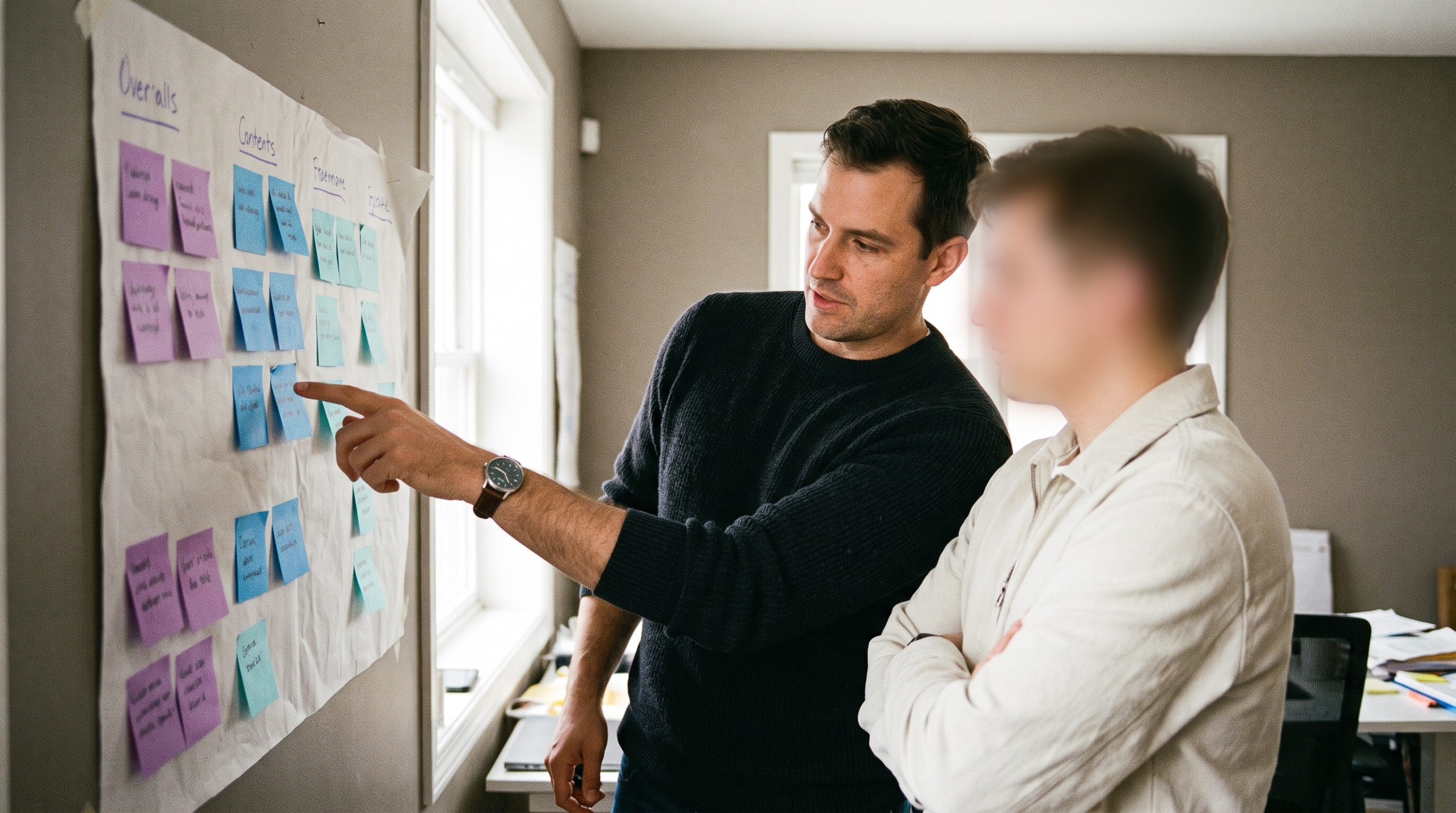
With our own process canvas tool, we walk through your processes together with you. At the end, it is recorded how you work, which apps go with that and where you deviate from the standard, in your own words.
Build pipeline
The canvas goes into the automated build pipeline. AI returns the configuration, the customisations and the documentation; our consultants check and approve. We decide what happens, AI carries it out.
Rolling out to your environment
We roll out approved work to your own Odoo environment, with the documentation included. You go live per app while we build the next one.
Your own project report
Every customer gets their own project report. It shows you, per app, where we stand, what has been delivered, what is still open and which decisions have been taken. You do not have to ask how things are going; you can simply look it up.

Want to try it yourself?
We set up the MCP server for you and look over your shoulder during the first questions. If you would rather first see which Odoo apps suit your business, start the Business Scan or view our cases.
Exactly what I was looking forEverything about the MCP server