DAADit AI colleagues · Odoo 16 to 19
The best agent system for Odoo
A digital colleague that works alongside you in your own Odoo. It reads along and flags what is not right, prepares work as drafts, and records it directly once you give it that mandate. You steer it with three choices in plain language — no prompts, no model settings, no technology.
Big words, we know. That is why below we set out exactly what we base them on, including an honest comparison with the agents Odoo 20 ships with — and where those do better.

In brief
What an AI colleague does
It works in your Odoo, not alongside it. No copy of your data, no separate screen to learn: it looks at the records you release and puts its work where you expect it. How far it may go is your choice — and you can set that differently per activity.
Flag only
It reads along and reports what needs attention, with the records concerned attached. It changes nothing — not even a draft.
Prepare drafts
It prepares its work as a draft in your Odoo and lets you know with a link attached. Confirming, posting or sending remains up to you.
Record directly
It records changes itself, within the mandate you sign: which data, which actions, how many per day, until when.
It reports to you
In its own conversation in your Odoo, with a notification on your phone. You simply reply there; it picks it up and carries on writing in that same conversation.
It never deletes, pays or files returns, in any mode whatsoever. Money matters stay drafts, even with a mandate.
The comparison
Odoo 20 agents or a DAADit colleague?
Odoo 20 ships with its own AI agents. That is good news — it shows this is no longer an experiment. The question is which one you need. Below they are set side by side, without glossing over the differences.
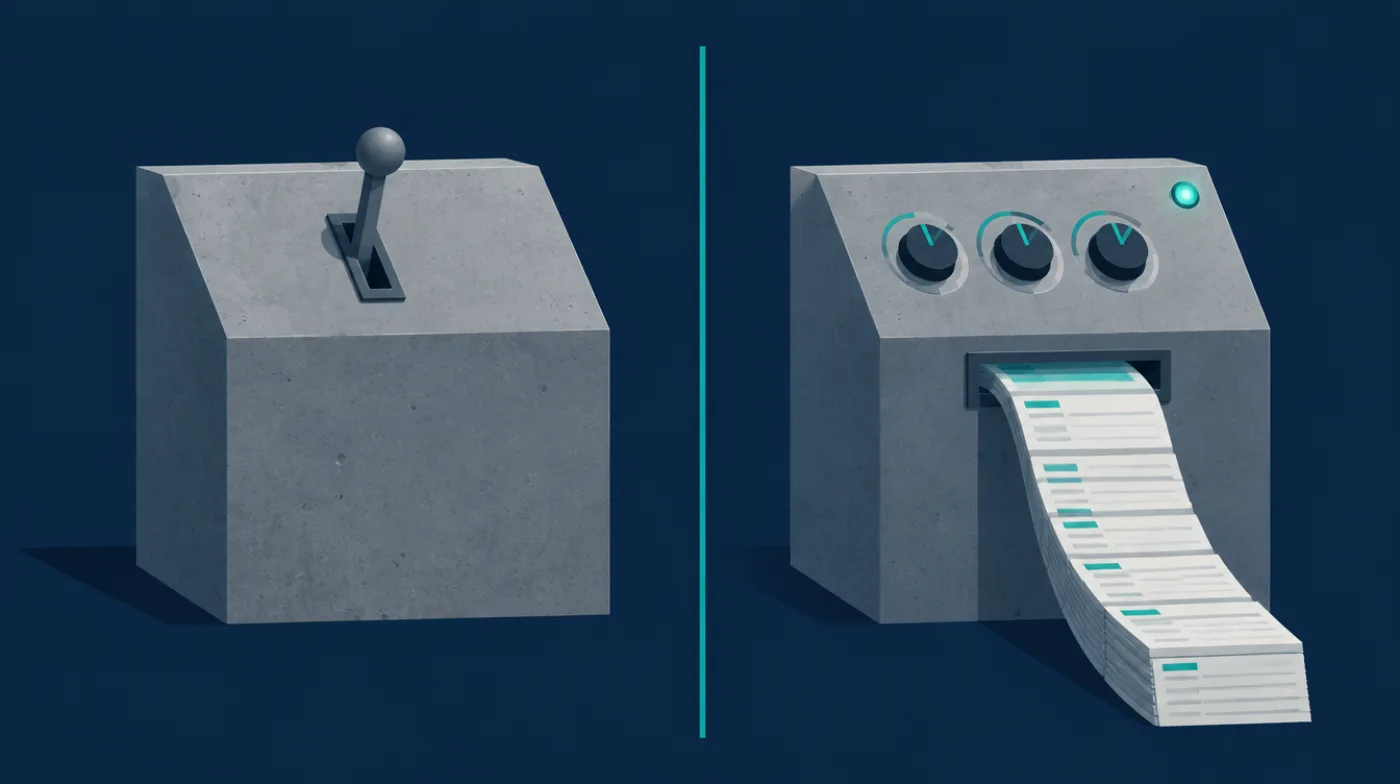
| Odoo 20 agents (built-in) | DAADit AI colleague | |
|---|---|---|
| What you need | Odoo 20, with the AI app installed. That app is in the Enterprise source code and is missing from Community | Odoo 16, 17, 18 or 19, Community and Enterprise alike. For Odoo 20 we are currently finding out whether our model connection fits there; so we do not promise that yet |
| How you set it up | Name, description, a response style, tick skills and — in the words of the documentation — "Enter a System Prompt with detailed instructions" | Three modes in plain language, set separately per activity. No prompt to write, no model to choose |
| What it may do | Per skill: create records, update records, build views, create images, search the web | A mandate that you sign: which data, which actions, a daily cap and an end date. Without a signed mandate it stays at flagging |
| Which AI model | Not described in the documentation | Mistral, Claude or Loes, configurable per colleague — and the bill for that usage is in the monthly price |
| Run autonomously | Not described in the documentation | A schedule per colleague: how often, on which day and at what time it does its rounds |
| Proof afterwards | No log described in the documentation | Every action recorded with its reason. If a report claims work with no matching write action, that is flagged rather than believed |
| How you hear what it did | In Odoo | It reports it in its own conversation with you, with a notification on your phone, and you reply there |
| Who steers it | An administrator, in the AI app | You, on its own page in plain language. Your administrator does not need to be involved |
| Cost | Via your Odoo environment | €249 to €599 per colleague per month, usage included. No bill afterwards that moves with how busy it was |
Where Odoo's own agents do better
Fair is fair: the agents in Odoo 20 can do things ours do not. They operate the interface — building views and pivot tables, generating images, editing the website, searching the web. If you run Odoo 20 Enterprise and want AI to build your screens, that is the shortest route. Our colleagues do something different: recurring work in your business operations, in a fixed mode, with the evidence attached. The two do not get in each other's way.
Source for the left-hand column: Odoo 20 documentation, AI agents. Where we write "not described in the documentation", we mean exactly that: we did not find it there, not that it does not exist. Is something no longer correct? Let us know, and we will change it.
Our claim
Six things you will not easily find elsewhere
"The best" is our claim, not a jury's. This is what we base it on.
Three modes instead of prompts
You choose whether it flags, prepares drafts or records directly. That is the whole setup. Anyone who wants to steer an agent does not need to learn how to write a system prompt.
A mandate that you sign
Just like a real member of staff: it is on paper what it may do, how much per day and until when. Without a signature it records nothing, whatever mode you set.
It cannot claim what it did not do
Every report is laid next to the log. If it contains work with no matching action, that is flagged. That is not a promise of good behaviour but a check in the software.
It reports to you wherever you are
No screen you have to go and look at. It opens a conversation in your Odoo, sends a notification to your phone and you simply reply.
Fixed price, usage included
One amount per month per colleague. No counting tokens, no bill that moves with how busy it was. You know in advance what it costs.
Works on your current Odoo
Running Odoo 16, 17, 18 or 19, Community or Enterprise? Then it can start today. You do not need to plan a migration to put a colleague to work.

How to get started
From choosing to working alongside you
Choose a colleague
You choose by what it does, not by technology: monitoring open items, checking the general ledger, triaging tickets. Every colleague has a fixed monthly price.
Connect your Odoo
The same address and the same key as for our MCP server. Nothing needs to be installed in your Odoo.
Set it to your mode
Flag, drafts or record directly. In the first week it reads along and makes proposals regardless; recording only starts after that.
What you need: an Odoo environment that is reachable from outside, and a user in that Odoo with the rights you want to give the colleague. Starting with flag only is sensible; moving one mode up can come later with a single choice.
View all colleagues Understand the connection firstPricing
What a colleague costs
One fixed price per colleague per month, excluding VAT, including AI usage. You hire per colleague and you cancel per month. Below are three examples from the full list.
Dirk
Monitors outstanding invoices
€249 / month
- Flags what has been open too long
- Only asks for access to your accounting
- Can be set to any of the three modes
Bo
ExampleChecks the general ledger
€349 / month
- Checks your general ledger for anomalies
- Prepares corrections as drafts
- Records directly with a signed mandate
Floris
Produces the monthly reporting
€599 / month
- Monthly reporting and margin per customer
- Runs on a schedule you set
- Delivers with the source behind every figure
And 22 other colleagues, from €249 to €599 per month — helpdesk, sales, purchasing, marketing, projects and quality. View the full list.

Limits and evidence
You decide what is allowed, we record what happened
A colleague works with the rights of the Odoo user it logs in with, and your mandate sits on top of that. No copy of your database is made.
- Never, in any mode. Deleting, paying and filing returns. Money records stay drafts, even with a signed mandate.
- Set per activity. One colleague can flag only for one job and record directly for another.
- No write path, no promise. If the mandate or the connection is missing, it automatically falls back to flagging only — with the reason attached, so nobody thinks something is ready and waiting.
- Every action accounted for. The log records what it did, on which record and why. In your own Odoo you see its name under the message.
- Processing in the EU, with a data processing agreement. We do not claim ISO 27001 certification; what we actually do is set out above.
Frequently asked questions
Questions about AI colleagues in Odoo
Get started
Start by letting it watch along
The most cautious start is also the most instructive: set a colleague to flag only and spend a week reading what it finds. If you like it, move it up a mode. Would you rather talk it through first? Ask us a question or view the connection this runs on.
View the colleaguesBack to AIThe facts at a glance
- Odoo versions
- 16, 17, 18, 19
- Editions
- Community and Enterprise
- Modes
- Flag, draft, record
- AI models
- Mistral, Claude, Loes
- Colleagues
- 25 in the catalogue
- Price
- €249 to €599 per month
- Usage
- Included
- Processing
- In the EU, with a data processing agreement