
In short: During a process intake we record the full business process in one model in Odoo: who does what, and with which application. From that same model come a functional design, a budget, a quotation and an implementation project. This article describes how we built that for Odoo 19. It describes how we work and is not a product offer.
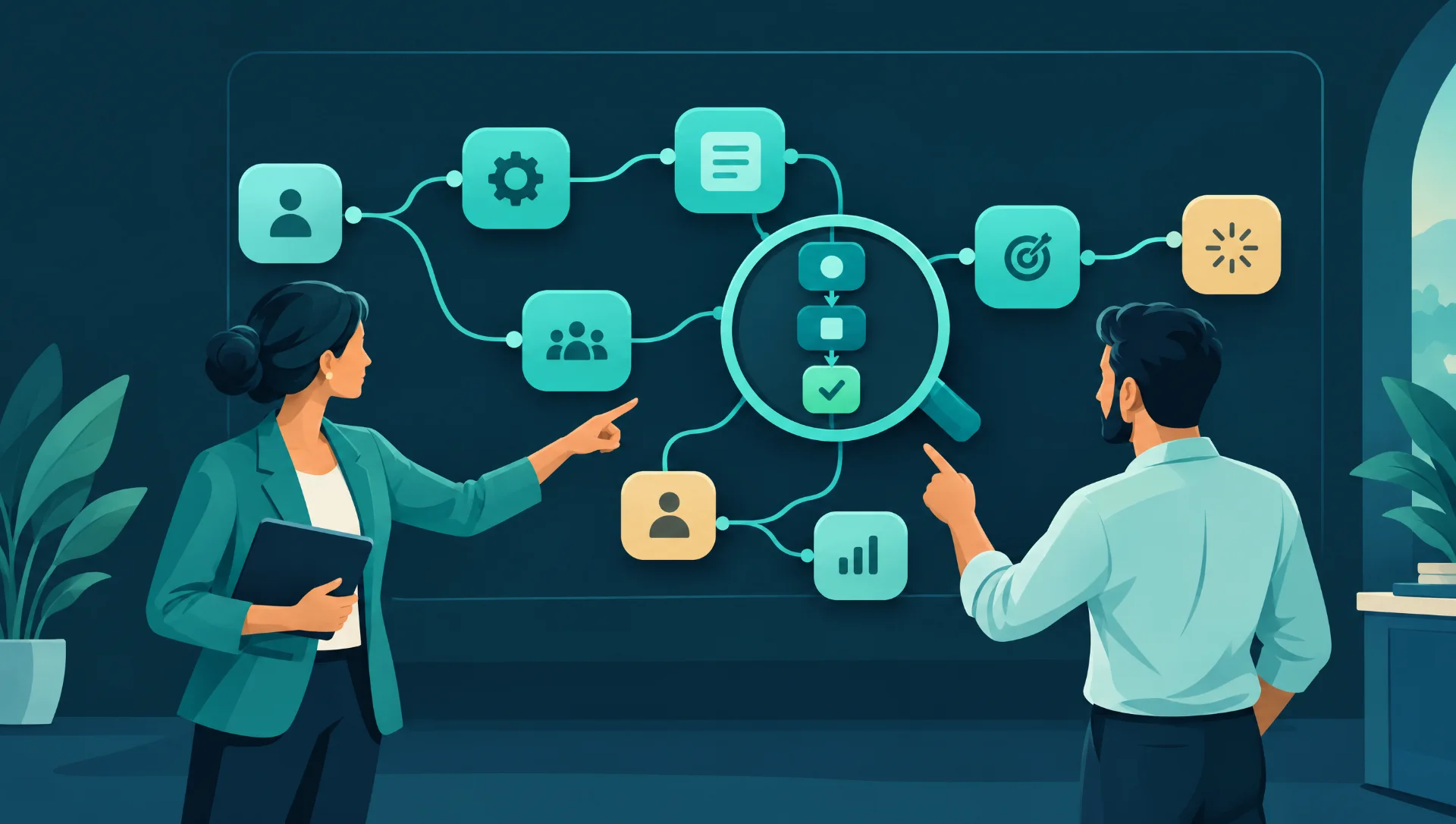
An implementation can easily start with loose documents: notes from a sales conversation, a process drawing, a design and a quotation. Each one has to be kept up to date separately. We wanted to work the other way round, with one model that everything else is generated from. Four modules make that possible.
Two screens: the workplace and the canvas
The consultant builds the model in the workplace. The customer watches along and reviews on the process canvas.
The canvas has two levels. In the overview, each phase is an Odoo app, drawn with its real icon. When you zoom in, you see the actions within that phase, each with an input and an output. The lines between apps are derived from the connections between actions, so the overview and the zoomed view cannot drift apart. Steps can be moved and added with the mouse, also in the portal.
Recording the process during the conversation
Speed matters during an intake, so the workplace has a grid that draws itself as a swimlane diagram. Enter creates a new step and Tab moves to the next column. Pasting a whole list works too.
- Who and with what: roles are records per customer, such as an employee, an external party or a system. Every step has an application, either an Odoo app or a system outside Odoo. The matrix of roles and applications follows from that.
- Main process: the landscape as a value chain, and per process the main path with exceptions and decision points beside it.
- Smart options: by default only name, role and application. Per intake you can switch on more, such as inputs and outputs, RACI, volumes and lead time, fit-gap, current versus desired, master data, KPIs and documents.
- Importing: Visio (.vsdx), draw.io, BPMN 2.0, Excel and CSV, Mermaid and plain text. A photo of a whiteboard can be read through an AI model with image recognition.
Starting from the sales opportunity
The intake can start from CRM. A button on the opportunity creates or opens the intake for that customer. The description of the opportunity becomes the first conversation in the intake, and the expected revenue follows the budget of the intake.
A functional design from the same model
The functional design is a versioned document, generated from the model. It contains the landscape, roles and licences, per process the description and the setup in Odoo, the gaps and the open points. It is available as a page, as a PDF and in Knowledge. Texts written by AI are checked against the model.
Two more things live in the workplace. Decision rules record per decision point what happens if a condition is met, with the Odoo means to do it, and they become tasks. Automation opportunities are proposals per step, such as OCR, a bank connection or an automated action. The consultant decides on them.
From budget to quotation
The model produces hours per part, with norms per database. With Sales added, that budget becomes a quotation with the implementation product and an explanation per part: analysis, setup, custom work, data, training, testing, go-live and project management. The quotation is attached to the opportunity, and the opportunity is won when the customer confirms the quotation.
One project, not two
One click creates or updates the implementation project: milestones per domain, tasks per process and per deviation, setup per app, access rights, training per role, data migration and integrations. Running it again duplicates nothing and does not overwrite manual work.
When the order is confirmed, it uses the project from the intake, or the intake uses the project from the sales template. Milestones then follow the intake:
- Analysis complete: when the design is approved.
- Configuration delivered: when the setup, the data and the custom work are finished.
- Go-live: when the system goes live.
A milestone that is reached can be invoiced, if you invoice on milestones, and the salesperson gets an activity. In the workplace you see sold, written and budgeted side by side.
After the go-live
The model stays useful after the start. The status of project tasks flows back to steps and processes. Work instructions per role show all the steps of a role, who supplies the work and where it goes next. Each process has an owner and a review period, with an activity when the review is overdue.
What this means for you
You can use the same principle in any implementation, whichever tool you use:
- Record who does what and with which application before you discuss screens.
- Keep one source for the design, the budget and the tasks.
- Have the customer review the process visually, not only as a document.
- Link milestones to agreed results, such as approval of the design.
- Give each process an owner and a review date.
A trap to avoid is a design that nobody updates once the project has started. Our article on implementation pitfalls covers more points to watch.
This article says nothing about price, delivery time or availability. Whether this way of working suits your project is something we discuss in a conversation.
Frequently asked questions
Can I use an existing process diagram?
The workplace reads Visio (.vsdx), draw.io, BPMN 2.0, Excel and CSV, Mermaid and plain text. Roles and applications are recognised or proposed. A photo of a whiteboard can also be read through an AI model with image recognition.
What happens to manual work when the project is updated again?
Running it again duplicates nothing and does not overwrite manual work. The project is updated from the same model.
Who decides on proposals for automation?
The workplace makes a proposal per step, for example OCR, a bank connection or an automated action. The decision lies with the consultant.
Finally
One model for the conversation, the design, the quotation and the project means fewer documents to keep in sync. That is why we built it this way. Want to discuss what this could mean for your implementation? Contact us for a conversation. Prefer to look at your own processes first? Take the free Business Scan.