
In short: In our helpdesk modules an AI agent writes a draft reply and a person reads it and sends it. The draft names the sources it relies on, the ticket shows who wrote and who sent, and three AI levels per customer set how far the agent may go. This article describes how we built that for Odoo 19. It describes how we work and is not a product offer.
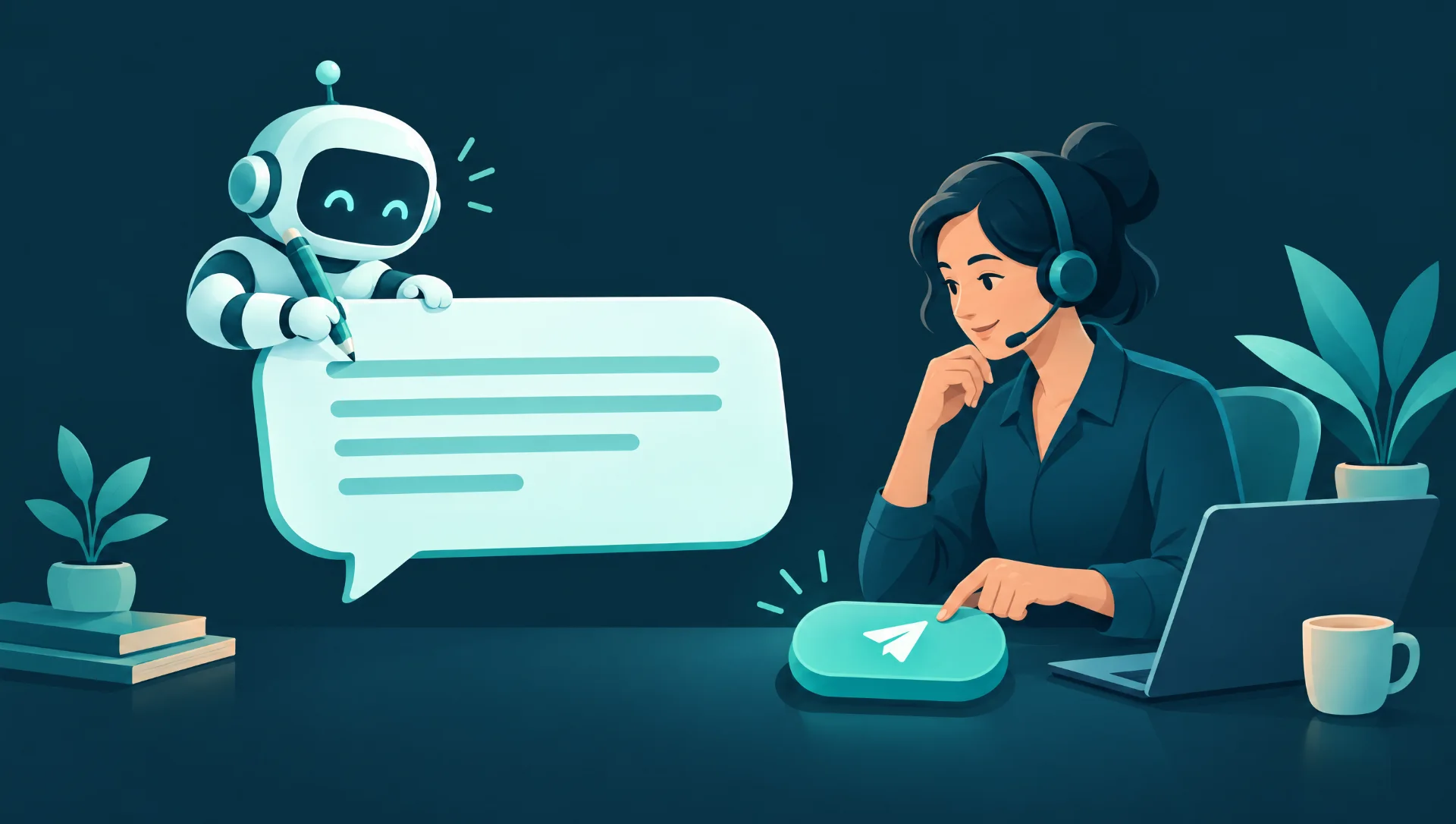
A helpdesk reply that goes wrong lands directly with your customer. That is why we started from one simple rule: writing and sending are two separate steps, and the second one belongs to a person. Everything else in these two modules follows from that rule.
The basic rule: writing never sends anything
When an agent writes a reply, it is only prepared on the ticket. Nothing leaves the system at that moment. The ticket owner or a helpdesk manager reads the draft and presses the button that sends it to the customer. Without that click, nothing goes out.
Afterwards you can see what happened. Which agent wrote the reply, who sent it and when are all on the ticket and in the chatter.
There is a second safeguard. As long as customer messages from agents are switched off in the settings, every message an agent posts becomes an internal note.
Where the draft comes from
Before writing, the agent looks up two things:
- Similar closed tickets. It searches on meaning, and falls back on words when that is not possible.
- Your agreements. It reads the terms and escalation thresholds from the written work instructions.
The draft then names the sources it relies on, and those sources were looked up in the same run. The person who checks the draft can therefore see what it is based on, instead of only reading a text that sounds plausible.
Three AI levels per customer
Not every customer wants the same thing. That is why we set an AI level for the helpdesk per customer. The limit sits in the tools the agent may use, not in an instruction in a prompt.
| Step | 1 Advise | 2 Draft | 3 Autonomous |
|---|---|---|---|
| Classify the ticket | Yes | Yes | Yes |
| Research by reading in the customer's environment | Yes | Yes | Yes |
| Advice: solvable with AI, which model, expected cost | Yes | Yes | Yes |
| Question to the customer | No | Draft, a person sends | Direct, within the setting above |
| Change on the test environment | No | Yes | Yes |
| Pass on to the build step | No | Yes | Yes |
Level 3 therefore does not override the basic safeguard. If customer messages from agents are off, a direct question on level 3 also becomes an internal note.
What the ticket shows
The ticket has a tab for the AI intake. It shows the level of the customer, the advice and the costs:
- Advice: whether the ticket can be solved with AI, with which model, and an explanation.
- Costs: expected and actual, side by side.
- Draft question: with buttons to send it or discard it. Sending happens in the name of the person and counts as a question asked.
- Build result: when a build finishes with a pull request, the ticket moves on to the staging step. When a build fails, the owner gets an activity.
Research: read on production, change on test
To understand a ticket, the agent needs to see what the customer sees. So it reads in the customer's production environment, and it can only check the connection, read data and read fields there. This can be switched off.
Changes only happen on the test environment. There the agent tests the assumptions from a ticket and solves what can be solved there. The rest goes back with an internal note and an activity for the person handling the ticket, for example because a connection must be set up, because more information is needed or because development is required.
What this means for you
You can apply the same thinking to your own helpdesk, with or without our modules. Odoo 20 also has its own reply suggestions, which we discuss in our article on AI agents. These steps help:
- Separate writing and sending. Start with a person who sends every reply.
- Put your terms and escalation rules in writing. An agent can only cite what has been written down.
- Ask for sources with every draft, and check them.
- Decide per customer or per team how far AI may go, and start low.
- Compare expected and actual costs per ticket before you expand.
Two pitfalls deserve attention. A draft that reads well is not automatically correct, so the check must remain a real check. And work instructions that are out of date lead to drafts that are out of date.
This article says nothing about price, delivery time or availability. Whether any of this suits your helpdesk is something we discuss in a conversation. More examples of processes are under AI automation.
Frequently asked questions
Can the agent send something to a customer itself?
Not as long as customer messages from agents are switched off. Every agent message then becomes an internal note, also on level 3. A draft reply only goes out when a person presses send.
What does the agent base its draft on?
On similar closed tickets and on the agreements in the work instructions, such as terms and escalation thresholds. The draft names the sources it relies on.
Does the agent change anything in the customer's production environment?
No. On production the agent only reads, and that can be switched off as well. Changes only happen on the test environment, on levels 2 and 3.
Finally
AI can do a lot of the preparation in a helpdesk, as long as the last step stays visible and stays with a person. That is the choice we built these modules around. Want to discuss what this could mean for your team? Contact us for a conversation. Prefer to look at your own processes first? Take the free Business Scan.